For the best VPS hosting for AI agents, choose between JetHost, Hostinger, HostGator, IONOS, or Contabo.
Hosting an AI agent on your own VPS (virtual private server) gives you direct control over its environment. You choose the software it runs, the APIs, and services it can access. You also decide how its files, credentials, logs, and other data are stored.
But that control comes with a trade-off: you’re responsible for setting up and maintaining the server.
We compared five VPS providers on root access, Docker support, available resources, and price to help you find the best VPS for AI agents.
Why Does VPS Hosting Work Well for AI Agents?
AI agents can keep running even while you’re offline. They call APIs, use tools, process tasks, and respond to new events in the background.
A VPS is a virtual computer that stays online and gives your agent a place to do that work.
You can install the software and dependencies the agent needs, keep background processes active, and give those processes access to the CPU, memory, and storage allocated to the VPS.
Shared hosting is designed for hosting websites and gives you less control over software, background processes, and server configuration, so it is often a poor fit for AI agents.
We explain these differences in more detail in our VPS vs. shared hosting comparison.
What to Look for in a VPS Hosting for AI Agents
VPS plans differ in the access, computing resources, and management features they provide.
When choosing the best VPS hosting for AI workloads, consider these specifications:
Core VPS Resources
- Guaranteed CPU and RAM: Dedicated or guaranteed resources provide more predictable performance for long-running agent tasks. Local AI models may require significantly more CPU and RAM or a GPU.
- Fast storage: Allow enough disk space for agents, containers, databases, files, logs, and application data. NVMe storage improves vector database operations, model loading, Docker image pulls, and other disk-intensive tasks.
- Scalability: Choose a VPS provider with enough CPU and RAM headroom to support your workload as it grows.
- GPU access: A GPU is unnecessary when agents rely on hosted AI APIs but can significantly improve local model inference and other GPU-intensive workloads.
Running and Managing AI Agents
- Background processes: The VPS should support long-running services that work without an active user session. This is essential for agents that need to operate 24/7.
- Docker support: Docker makes it easy to package and run the agent and its dependencies in containers.
- Root access: Root access gives you control over system-level software and services. It isn’t required for Docker, which also supports rootless mode.
- Linux support: Linux is a common choice for Docker deployments, with Docker supporting distributions such as Ubuntu, Debian, Fedora, and RHEL.
- Fast deployment: Quick provisioning lets you start testing and deploying agents without waiting days for a server to become available.
Networking and Security
- Reliable networking: Agents need reliable outbound connectivity to communicate with LLM APIs, databases, webhooks, and other services.
- Cloud firewall: Firewall rules in the VPS control panel let you restrict access to ports used by services such as n8n, Open WebUI, and agent APIs.
- DDoS protection: Advanced DDoS protection is useful when your agent exposes public APIs, webhooks, dashboards, or other internet-facing endpoints.
- Server locations: Locations close to your users and the APIs your agents connect to reduce network latency and improve response times.
- rDNS control: Reverse DNS management is important for agents that send email directly from the VPS.
Reliability and Recovery
- Uptime SLA: A high uptime SLA, such as 99.99%, matters when your agents need to run continuously without unexpected interruptions.
- Snapshots and rescue tools: Snapshots let you restore the VPS to an earlier state after a failed update or problematic agent deployment. Rescue mode and browser-based VNC access can help recover the server if an agent breaks the system or locks you out of SSH.
- Money-back guarantee: A longer money-back guarantee reduces the risk of testing a VPS with your specific AI workload. Aim for at least 30 days.
If you’re new to servers, start with our guide on what VPS hosting is.
Best VPS Hosting for AI Agents: 5 Providers Compared
The table below shows how the best VPS providers for AI agents compare:
| VPS Provider | Best For | AI Agent Infrastructure | Entry Plan | Price |
| 1. JetHost | Reserved vCPU and RAM for agents running 24/7 | Docker, Portainer, Podman, k3s, and kubeadm | VPS Mini: 4 vCPU, 6 GB RAM, 100 GB NVMe | $18.99/month |
| 2. Hostinger | Guided setup with AI-agent deployment options | One-click OpenClaw, Hermes, n8n, Claude Code, and other Docker apps | KVM 1: 1 vCPU, 4 GB RAM, 50 GB NVMe | $6.49/month on a 24-month term |
| 3. HostGator | One-click AI application deployment | Claude Code, Hermes Agent, n8n, OpenClaw, Open WebUI, BMAD, DeepSeek, and more | Snappy 1000 – NVMe 2: 1 vCPU, 2 GB RAM, 50 GB NVMe | $2.64/month on a 12-month term |
| 4. IONOS | Low starting price with AI and automation apps | OpenClaw, Hermes Agent, n8n with Docker | VPS S+: 1 vCore CPU, 2 GB RAM, 60 GB NVMe | $2/month for the first 3 months, then $6/month |
| 5. Contabo | High RAM and storage for the price | One-click OpenClaw and n8n, plus Docker | Cloud VPS 4: 4 vCPU, 8 GB RAM, 100 GB SSD | $5.28/month on a 24-month term |
1. JetHost: Dedicated Resources With 24/7 Infrastructure Monitoring
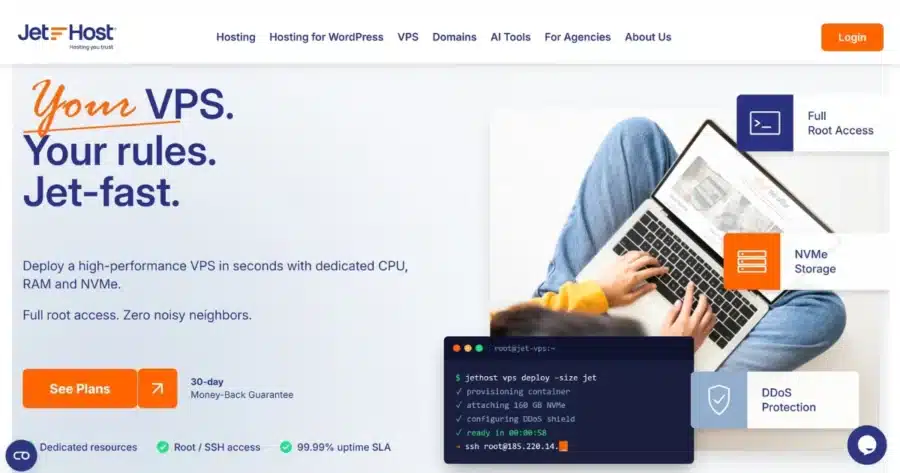
JetHost’s VPS is a strong pick if you want the best VPS hosting for AI agents with steady resources. The plans reserve vCPU cores and RAM for your server, and you have complete control of your VPS. You also get 30 days to test your VPS with a money-back guarantee.
JetHost offers a unique service, JetHost MCP Server, that connects AI assistants such as Claude and ChatGPT to your hosting account. It covers billing, account management, domains, and support tickets on request.
Here’s what to expect from JetHost VPS:
- Pricing: VPS Mini costs $18.99/month. VPS Start, the local model option, costs $29.99/month. Every plan renews at the same price.
- Resources: VPS Mini comes with 4 vCPU cores, 6 GB RAM, 100 GB NVMe storage, and 10 TB of monthly traffic. Your server is ready in an hour. NVMe reads reach up to 3,500 MB/s, so Docker images pull faster, and models load sooner. Vector databases, which store an agent’s searchable memory, return query results faster. Plans scale up to 24 vCPU and 120 GB RAM, and the JetHost team handles upgrades on request.
- Root access: You get full root and SSH access, so you can install any package, stack, or service your agent needs.
- AI agent deployment: JetHost uses KVM virtualization, so Docker, kubeadm, Podman, and k3s work without extra setup. You can add Portainer, a web interface for managing containers, when you run several agents side by side.
- Operating systems: You can choose from 14 OS distributions, including Ubuntu 26.04, Debian 13, Alma 10, Rocky 10, and FreeBSD 15.
- Networking: Every plan includes a dedicated IPv4 address. Starting with VPS Power, plans include advanced DDoS protection, which helps when your agent exposes public endpoints. You can choose an East or West North American location closest to your users and APIs to reduce latency or request delay. The dashboard also lets you set rDNS (reverse DNS), which mail servers check before they accept email from your agent.
- Backups and snapshots: Snapshots are free on every plan. If an agent breaks a package or config, you can roll back to the last working snapshot.
- Management: JetHost’s VPS plans are self-managed. You handle the OS and software, and JetHost monitors infrastructure 24/7 and backs it with a 99.99% uptime SLA covering hardware, network, and power. The dashboard includes reboots, reinstalls, cloud firewall rules that allow you to lock down the ports for n8n, Open WebUI, and agent APIs, a browser VNC console, live stats, and rescue mode for troubleshooting.
Get reliable VPS resources without shared hosting limitations.
2. Hostinger: One-Click Templates for AI Agents
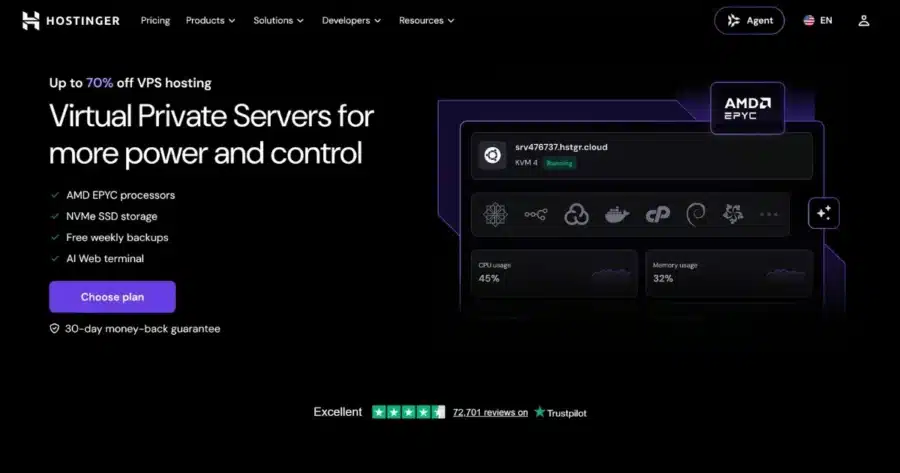
Hostinger’s VPS plans combine dedicated virtual resources with one-click deployment for AI agents, making them a solid option for anyone comparing the best VPS for AI agents.
You also get built-in tools for managing your server, network security, backups, and AI-assisted administration.
Here’s what to expect from Hostinger VPS:
- Pricing and resources: KVM 1 includes 1 vCPU, 4 GB RAM, 50 GB NVMe storage, and 4 TB of bandwidth. It costs $6.49/month when you pay for 24 months up front, then renews at $11.99/month.
- Root access: Full root access lets you manage and customize your VPS environment.
- AI agent deployment: Hostinger lets you install AI agents and related applications directly on your VPS. Options include OpenClaw, Hermes, n8n, Claude Code, and other Docker applications.
- Networking: Every plan includes 1 Gbps network speed. Hostinger also provides a managed firewall and DDoS protection.
- Backups and snapshots: Every VPS includes free weekly backups and manual snapshots. You can use snapshots to capture the current state of your VPS and revert to it if needed.
- Operating systems: One-click OS templates include Ubuntu, Debian, AlmaLinux, Rocky Linux, Fedora, NixOS, and other Linux distributions.
- Management tools: Hostinger Agent is built into the VPS Web Terminal and lets you execute commands, troubleshoot configurations, and manage the server through plain text. You also get a Docker Compose manager, public API, and firewall management tools.
3. HostGator: One-Click OpenClaw Deployment
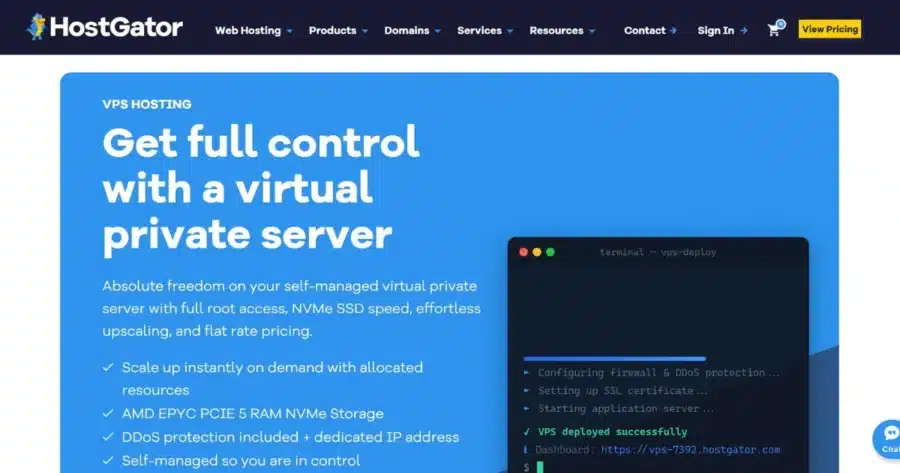
HostGator offers self-managed VPS hosting with dedicated resources, NVMe storage, root access, and unmetered bandwidth, making it suitable as a VPS for running AI agents.
Its VPS platform also lets you deploy popular Linux distributions, control panels, and applications with one click, including several AI-agent and AI development tools.
Here’s what to expect from HostGator:
- Pricing and resources: Plans start with Snappy 1000 – NVMe 2 at $2.64/month for a 12-month term, then renew at $4.95/month. The entry plan includes 1 vCPU, 2 GB DDR5 RAM, and 50 GB NVMe storage. Higher plans scale up to 8 vCPU cores, 16 GB DDR5 RAM, and 450 GB NVMe storage. All plans include unmetered bandwidth.
- Root access: All VPS tiers include full root SSH and API access, giving you complete control to install custom software and configure your server.
- AI agent deployment: You can install applications on the HostGator VPS. Available options include OpenClaw, Claude Code, Hermes Agent, n8n, Open WebUI, BMAD, DeepSeek, and more. These are deployment options, not features bundled together with every VPS plan.
- Operating systems: HostGator VPS servers come with AlmaLinux 9 by default, with root access so you can configure the server environment to suit your application and technical requirements. HostGator also supports popular Linux distributions such as CentOS, Ubuntu, and Debian.
- Networking: VPS plans include a dedicated IP and DDoS protection. HostGator also provides network-level filtering and supports horizontal scaling across multiple instances.
- Backups and snapshots: The VPS page does not specify a built-in backup or snapshot service. You can install your own management panel for features such as DNS, users, and backups.
- Management tools: These are self-managed VPS plans, so you are responsible for the OS, software, and maintenance. You can install your own control panel, deploy applications through Docker/Compose or system packages, and scale CPU, RAM, and disk space as your needs grow.
4. IONOS: Low Starting Price With Cloud Extras
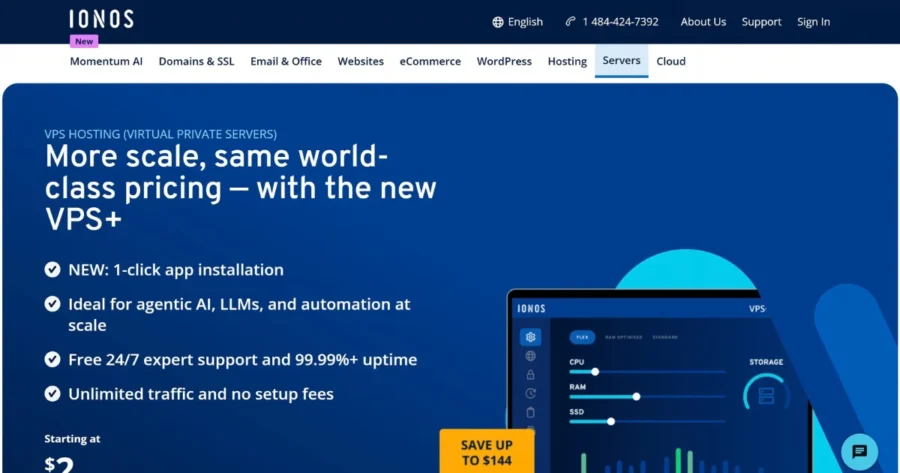
IONOS offers VPS+ plans for LLMs, agentic AI, and automation workloads. The company operates 31 data centers across Europe and North America. VPS+ plans run on modern AMD and Intel CPUs, Samsung NVMe SSD storage, and Dell enterprise servers.
For the best VPS hosting for AI automation setup, you can choose your operating system and applications at checkout. Options include Ubuntu, Rocky, Debian, Alma, n8n, OpenClaw, Hermes Agent, and others.
Here’s what to expect from IONOS VPS:
- Pricing and resources: VPS S+ includes 1 vCPU, 2 GB RAM, and 60 GB NVMe storage. It costs $2/month for the first three months of a one-year term, then $6/month.
- Root access: Every plan includes full root access, so you can install and configure any software. You connect over SSH, and a KVM console gives you direct access to your server.
- AI agent deployment: IONOS automatically sets up Docker, the web interface, and required dependencies when you select supported apps during checkout.
- Operating systems: You can choose the latest Ubuntu, Debian, AlmaLinux, or Rocky Linux. Windows Server 2022 and 2025 are also available.
- Networking: Traffic is unlimited on a 1 Gbps connection, with one IPv4 address and an IPv6 network included. You also get DDoS protection, private networks, and a load balancer.
- Backups and snapshots: Server images work as point-in-time snapshots, so you can roll back if an update fails. VM cloning copies your whole server for testing, and Cloud Backup costs extra from $0.065/GB per month.
- Management tools: This is a self-managed VPS, which gives you control over the software and applications you run on the server.
5. Contabo: High RAM and Storage for the Price
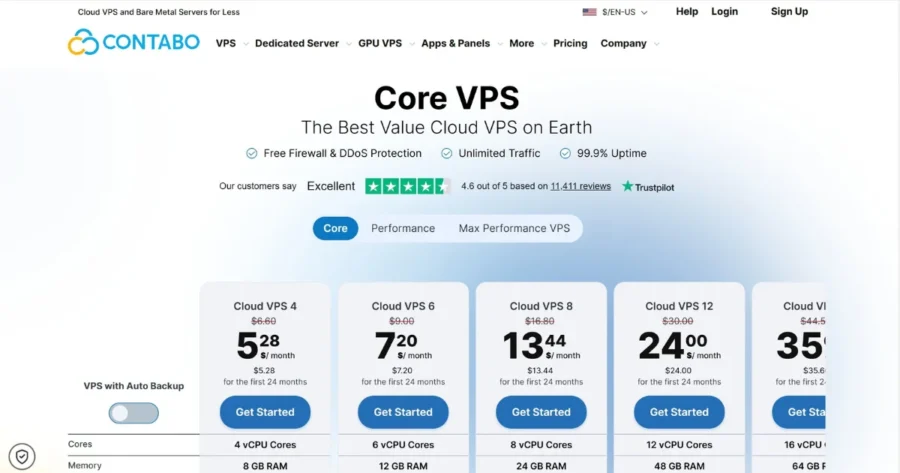
Contabo’s Core VPS plans pair high RAM and storage allocations with a price as low as $5.28/month. That makes this AI agent VPS host worth considering if you want to run multiple agents and supporting services on a single server.
Here’s what to expect from Contabo:
- Pricing and resources: Their lowest plan, Cloud VPS 4, includes 4 vCPU, 8 GB RAM, and 100 GB SSD storage. It costs $5.28/month on a 24-month term, then $6.60/month.
- Root access: You get root access with SSH, plus custom images and cloud-init for automated server setup.
- AI agent deployment: Contabo offers 1-click installations for OpenClaw and n8n, while Docker is available for containerized application deployment.
- Operating systems: Choose Windows, Ubuntu, Rocky Linux, AlmaLinux, Debian, CentOS, openSUSE, or FreeBSD, or upload your own ISO.
- Networking: Traffic is unlimited, with port speeds from 200 Mbit/s to 1 Gbit/s on higher plans. You can also create private networks with unlimited internal traffic for multi-server setups.
- Backups and snapshots: Cloud VPS 4 includes one snapshot, and larger plans include up to three. Daily Auto Backup can be included as a paid add-on.
- Management tools: Contabo manages the VPS infrastructure and network, while you’re responsible for your operating system, applications, and ongoing software updates.
The Final Takeaway
The right VPS comes down to your agent’s workload and how much server management you want to handle.
- JetHost stands out in this breakdown of the best VPS hosting providers for AI agents, offering reserved CPU and RAM with 24/7 infrastructure monitoring and a 99.99% uptime SLA.
- Hostinger and HostGator provide one-click deployment options for AI agents and related applications.
- IONOS combines low introductory pricing with automation and networking features.
- Contabo offers high RAM and storage allocations for the price.
If your agent uses hosted AI APIs, focus on CPU, RAM, storage, and reliable networking. For local model inference, also consider GPU availability. Small quantized models can run on CPU when the plan has enough RAM.
Give your AI agent reserved CPU and RAM, full root access, and the freedom to run your own stack.
FAQ
Can I run multiple AI agents on one VPS?
Yes. You can run each agent in its own Docker container to isolate dependencies and processes. The resources you need depend on how much CPU, RAM, storage, and network capacity each agent uses. Docker Compose can help you manage multiple containers from one configuration.
Can I run AI agents on shared hosting?
No, in most cases. A VPS is a better fit for self-hosted AI agents. Shared hosting gives you less control over background processes, software, and server configuration, and typically doesn’t support Docker or root access.
Do I need root access to run an AI agent?
Yes, for most setups. Root access makes it easier to install Docker, system packages, and runtimes such as Python or Node.js. However, some setups work without root, including rootless Docker and provider-managed deployments. Every provider on our list of the best VPS hosting for AI agents includes root access.


Top articles
Our Picks
- 6 minutes read
7 Signs It’s Time to Switch Your Web Hosting Provider
Most people don’t think about their hosting until something breaks. But if your website has been acting up – slower pages, random errors, or unreliable support – it might be…
- 4 minutes read
eDesign Interactive on Pressure, People & Creativity
Client: George, CEO of eDesign Interactive Industry: Web Design, Digital Strategy & Interactive Marketing Website: edesigninteractive.com Relationship: Long-time collaboration with the team behind JetHost
- 2 minutes read
Case Study: How SEO Rush Got 5x Faster with JetHost
Client: SEORUSH Industry: SEO & Digital Marketing Website: seorush.org Service: JetHost WordPress Hosting When you run an SEO agency, your website needs to perform as well as the results you…
Related Posts
 13 minutes read
Who Offers Secure Hosting for WordPress? 5 Providers Compared in 2026
Looking for secure WordPress hosting? We compare five providers in 2026-JetHost, Kinsta, Hosting.com, SiteGround, and WPX-covering firewalls, malware protection, backups, pricing, and the security features that matter most for your…

- 6 minutes read
166,000 Visits in One Day and Not a Single Sale
High traffic is usually good news for an online store. But when a site starts slowing down at the exact moment analytics show a huge spike in visits, the story…
- 13 minutes read
What Slows Down WordPress Admin? And How to Fix It Without Guesswork
A slow WordPress admin rarely has a mysterious cause. Most of the time it comes down to database bloat, plugin overhead, missing object caching, or hosting limits. Here’s how to…