The best hosting for WordPress for beginners is JetHost, followed by Hostinger, SiteGround, Bluehost, DreamHost, Namecheap, and HostGator. Each is built around a simple setup, honest pricing, and helpful support.
Starting a WordPress (WP) site for the first time is intimidating enough without confusing technical decisions getting in the way.
The right hosting provider for WordPress removes that friction so you can publish with confidence.
We compared the pricing, features, and support of all seven WordPress hosts, using our hands-on hosting experience.
Quick Comparison of Hosting for WordPress for Beginners
Use this table as a quick reference, then read the sections below for the details behind each best hosting for WordPress for beginners pick.
| WP Hosting Provider | Plan | Intro Price | Renewal Price | Best Choice For |
|---|---|---|---|---|
| 1. JetHost | WP Mini | $1.99/month | $8.99/month | First-time WordPress owners who want guided setup, human support, and reliable service |
| 2. Hostinger | Premium | $3.99/month | $10.99/month | Budget-conscious beginners who want AI tools included |
| 3. SiteGround | StartUp | $2.99/month | $17.99/month | Beginners who value hands-on customer support |
| 4. Bluehost | Starter | $4.99/month | $11.99/month | New bloggers who want the WordPress.org recommendation |
| 5. DreamHost | Launch | $2.89/month | $10.99/month | Beginners who want more websites and storage included on the entry plan |
| 6. Namecheap | EasyWP Starter | $3.24/month | $5.74/month | Beginners who want a dashboard built only for WordPress |
| 7. HostGator | Baby Plan | $4.50/month | $16.49/month | Beginners who want cPanel with a familiar layout |
Prices reflect current publicly listed rates and can change, so always confirm the latest figures directly on each provider’s pricing page before you buy.
1. JetHost: Best Overall Hosting for Beginners Using WordPress
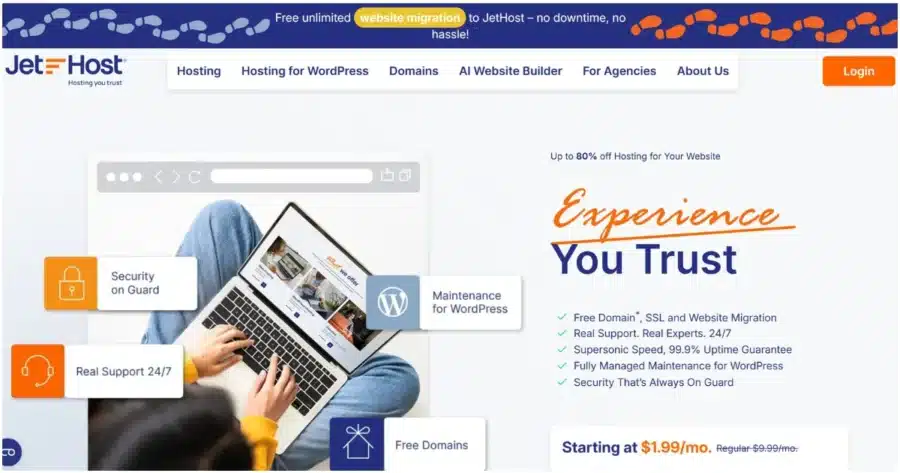
For anyone searching for the best hosting for beginners using WordPress, JetHost is worth starting with because the company built its plans around the exact pain points beginners run into: confusing setup, scary technical settings, and support that never picks up.
The WP Mini plan targets a first site, with room to grow into the Start or Maverick tiers once traffic increases.
Pricing:
- Intro price: $1.99/month (WP Mini)
- Renewal price: $8.99/month
- Free domain for the first year on Start, Maverick, and Business plans with a 1-year billing cycle
Significant distinction for new WordPress users: Unlike most budget hosts, JetHost pairs genuine managed hosting for WordPress with free and unlimited website migration, so updates, staging, and switching hosts never require touching server settings. This is the easiest hosting option for WordPress beginners.
Key Features:
- LiteSpeed Enterprise with LiteSpeed Cache for faster page loads
- One-click WordPress installation with no additional setup
- WordPress Manager dashboard for updates, staging, and backups
- JetHost Total Care plugin for security and performance settings
- Patchstack integration for WordPress vulnerability protection
- Free WordPress migration and email migration, unlimited on every plan
- Free domain for hosting for your first WordPress website on qualifying plans
- 24/7 human support team
- JetHost AI Connector enables users to manage their hosting through the AI assistants they already use, such as Claude, ChatGPT, Cursor, and others.
Cons: The free domain offer excludes the entry-level WP Mini plan
Get your first WordPress site online without wrestling with server settings on your own.
JetHost offers unbeatable rates on domain registration, transfers, and renewals.
2. Hostinger: Best for Budget-Conscious First-Timers
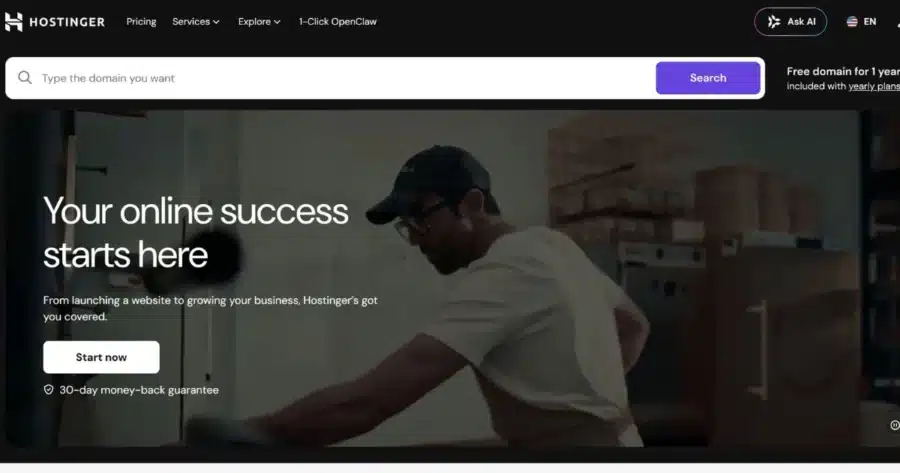
Hostinger regularly comes up in searches for the best WP hosting for beginners because its Premium plan pairs a low entry price with a simple interface. Automatic WordPress installation and built-in caching mean a new site can be live within minutes of signing up.
Pricing:
- Intro price: $3.99/month (Premium plan, 12-month term)
- Renewal price: $10.99/month
- Includes 3 websites, 20 GB SSD storage, free weekly backups, and a domain free for the first year
Significant distinction for new WordPress users: Dashboard replaces the traditional cPanel control panel. If you’re new to web hosting, the hosting control panel is the interface you use to manage your website, domains, databases, email accounts, and other hosting settings. Hostinger uses its custom hPanel instead of the industry-standard cPanel, offering a beginner-friendly interface with simplified navigation.
Key Features:
- hPanel custom dashboard for beginners unfamiliar with cPanel
- Free weekly backups on every plan
- Free domain for the first year on all plans
- Expert support available during migration
Cons:
- The lowest price requires a 48-month commitment, and renewal costs rise sharply
- Phone support is not available
Our best Hostinger alternatives article compares a handful of other options side by side so you can make an informed choice.
3. SiteGround: Best for Hands-On Support
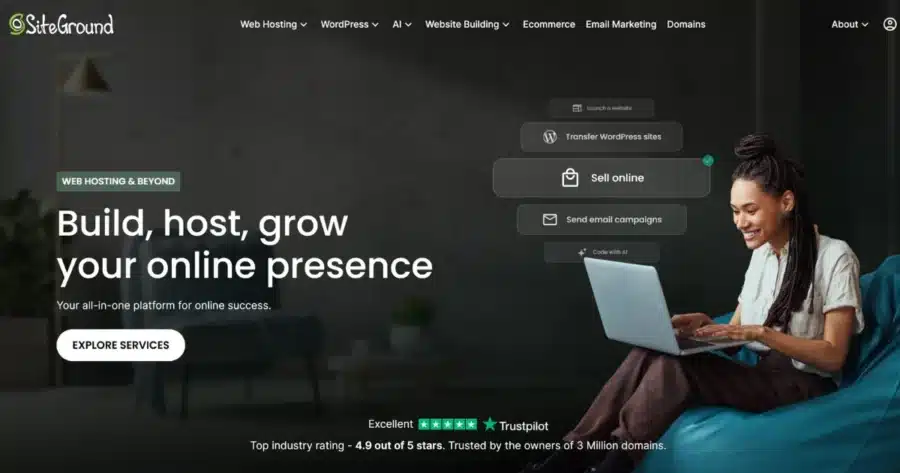
SiteGround consistently ranks among the best web hosting for WordPress for beginners who want a real person walking them through setup questions. It runs on Google Cloud infrastructure rather than budget shared servers.
Pricing:
- Intro price: $2.99/month (StartUp plan)
- Renewal price: $17.99/month
- StartUp plan covers one website with daily backups
Significant distinction for new WordPress users: This beginner-friendly hosting for WordPress offers a guided setup wizard that helps choose a theme and plugins. On top of that, their support team focuses on WordPress issues instead of generic server troubleshooting.
Key Features:
- Hosting service for WordPress on Google Cloud infrastructure
- Guided WordPress setup from the SiteGround Customer Area
- Speed Optimizer plugin keeps WordPress website performance steady without manual tuning
- Support team specializing in WordPress issues
Cons:
- The single-website limit on the entry plan means multi-site owners must upgrade quickly
- Renewal pricing increases significantly compared to the introductory rate
4. Bluehost: Best for the Official WordPress.org Recommendation
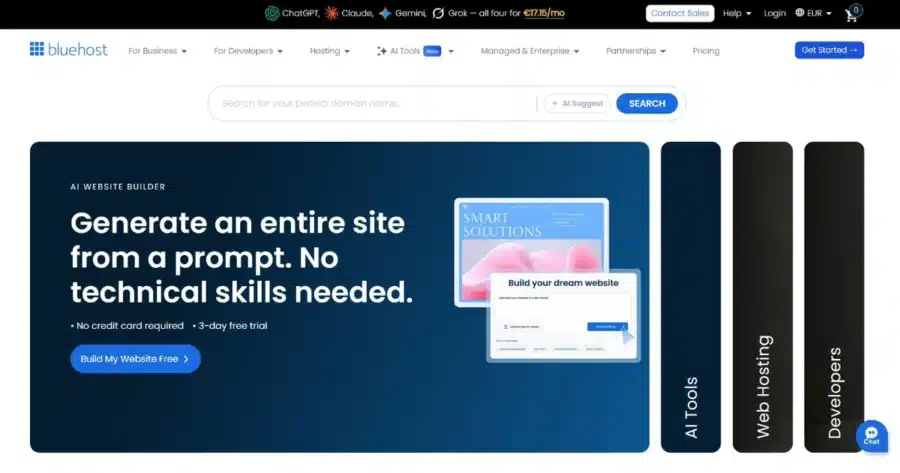
WordPress.org has recommended Bluehost since 2005, which is part of why it shows up so often in lists of the best cheap WP hosting for beginners. Every plan bundles a free domain, free SSL, and an AI-assisted site builder for a first-time owner’s very first page.
Pricing:
- Intro price: $4.99/month (Starter plan, 12-month term)
- Renewal price: $11.99/month
- Includes 10 websites and 10 GB of NVMe SSD storage, enough for roughly 40,000 monthly visits
Significant distinction for new WordPress users: The mix of official recognition and simple onboarding makes Bluehost one of the best hosting options for beginner WordPress users. Daily malware scanning and a firewall covering WordPress website security also run automatically on every plan, with no extra plugins to configure.
Key Features:
- A genuinely simple web host for WordPress that comes with WP ready to use
- Free domain and SSL on every plan
- WordPress AI Builder included free with every plan
- Automatic WordPress updates
- 24/7 chat support on all tiers
Cons:
- Phone support requires an upgrade from the entry-level Starter plan
- Renewal pricing can catch new users off guard
Skip ahead to the best Bluehost alternatives if an official WP endorsement matters less to you than performance or price.
5. DreamHost: Best for Multiple Sites on One Plan
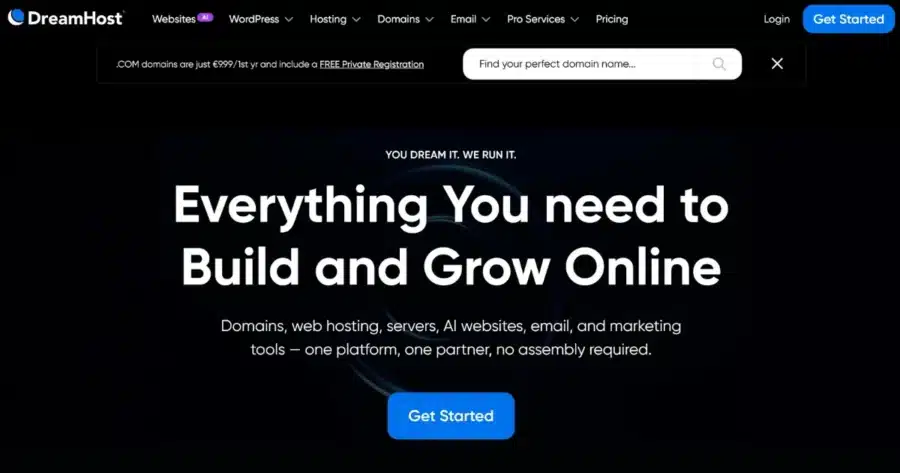
DreamHost appeals to people searching for top hosting for WordPress for beginners who want room to grow without upgrading right away. The Launch plan supports up to 25 websites with NVMe SSD storage and unmetered bandwidth, making it a straightforward option for hosting a WordPress website that might expand into several sites later.
Pricing:
- Intro price: $2.89/month (Launch plan, 1-year term)
- Renewal price: $10.99/month
- Includes 25 websites, 40,000 monthly visits, and 25 GB of NVMe SSD storage
Significant distinction for new WordPress users: DreamHost’s entry-level plan bundles in 25 websites and daily automated backups. It’s a generous offering for those just starting out. That value makes DreamHost a common pick among the best hosting for first-time WordPress users who want room to grow without paying more upfront.
Key Features:
- 25GB NVMe SSD storage with unmetered bandwidth
- Daily automated backups from day one
- Up to 25 websites on the entry-level plan
- Free domain for one year
Cons:
- The lowest price requires a 4-year commitment upfront
- Free email lasts only 3 months, then becomes a paid add-on
6. Namecheap: Best for a WordPress-Only Dashboard
Namecheap built the EasyWP Starter plan as an easy hosting solution for WordPress, which makes it one of the easiest hosting solutions for WordPress beginners to pick up without any prior server experience. Instead of cPanel, EasyWP has a custom dashboard that covers domain connection, SSL, backups, and storage stats.
Pricing:
- Intro price: $3.24/month (EasyWP Starter, annual subscription)
- Renewal price: $5.74/month on monthly billing
- Includes 10 GB of NVMe storage and support for roughly 50,000 monthly visits
Significant distinction for new WordPress users: EasyWP promises an easy WordPress setup that takes a few minutes from signup to a live, editable site, since there’s no general-purpose control panel to learn first.
Key Features:
- Dashboard exclusively for WordPress management
- Free CDN and free SSL on every plan
- NVMe storage across all tiers
- Free automated migration for moving an existing site
Cons:
- Each plan supports only a single website, so growth means adding extra configurations to your plan
- Assistance is only available via chat and a ticketing system
7. HostGator: Best for a Familiar cPanel Layout
HostGator is a common recommendation among the best hosting for WordPress beginners who’ve researched hosting before and already recognize cPanel from other projects. The Baby Plan, HostGator’s entry point for managed hosting for WordPress, comes with WordPress ready to go so setup starts immediately after signup.
Pricing:
- Intro price: $4.50/month (Baby Plan, long-term commitment)
- Renewal price: $16.49/month
- Includes 20 websites, 20 GB of SSD storage, and a free domain for one year
Significant distinction for new WordPress users: Since HostGator uses the traditional, widely documented cPanel layout, it remains one of the best hosts for new WordPress users searching for step-by-step tutorials rather than a support ticket. Phone and chat support both come with this entry-level plan.
Key Features:
- Traditional cPanel control panel
- WordPress ready to go at signup
- Malware scanning with AI-powered detection and removal
- Free domain for the first year on qualifying terms
Cons:
- Renewal rates rise substantially compared to the promotional starting price
- Website migration costs extra rather than coming at no charge
Many hosts run that same cPanel layout, and we’ve mapped out the strongest picks in the best alternatives to HostGator.
How to Pick the Best Hosting for WordPress for Beginners
Every WP hosting provider above covers the basics, so the real differences show up once you compare a handful of specific factors side by side.
Here’s what matters most for a first WordPress site:
- Ease of use: A clear control panel or dashboard lets you find settings without guessing what they do.
- Customer support: Look for a reliable hosting provider with real people available on chat or phone. Setup questions often come up in the first few days, and a quick, specific answer saves time compared to searching online for answers.
- Performance: Caching, storage type, and a content delivery network determine how quickly your pages load. Load time matters because it affects how long visitors stay on a page and can factor into how a site ranks in search results.
- Automatic backups: Backups matter because mistakes happen: a bad plugin update, an accidental deletion, or an edit that breaks a page. Regular, automatic backups let you restore an earlier version instead of rebuilding the affected content by hand.
- Security: Automatic updates, a firewall, and malware scanning reduce the chance that an outdated plugin or theme gets exploited. WordPress powers a large share of websites, which makes it a frequent target for automated attacks.
- Simple WordPress setup: A one-click installer, plus a plan that includes a free domain, SSL, and migration, cuts down the number of steps between signing up and having a working site. This is what makes beginner-friendly web hosting different from a plan that assumes you already know how to configure a server.
- Value for money: The price on the first invoice usually isn’t what you’ll pay long-term. Comparing the renewal rate, storage limits, and website caps shows what the plan costs after the introductory term ends.
- Ability to upgrade later: Traffic and site needs change over time. A plan that lets you move to a higher tier on the same account means more storage or visits without migrating everything to a different host.
Conclusion
You can get your first WordPress site online with any provider on this list, but the right fit for you depends on your priorities.
JetHost stands out as the best hosting for WordPress for beginners who want guided setup, human support, and built-in security without extra plugins to install.
If you want the lowest entry price, Hostinger is worth a look; for room to run multiple sites on one plan, DreamHost fits best; and if you’d rather have a familiar cPanel layout, HostGator covers that instead.
Still weighing your options? See which WP plan fits your first site best.
FAQ
Which hosting provider is best for WordPress beginners?
JetHost is a strong choice because its WordPress Manager dashboard handles updates, staging, and backups from one screen. Free migration removes the cost of switching hosts, and human support handles your questions directly instead of leaving you to search for the answer alone. Hostinger and Bluehost are also solid choices if you’d like to compare a couple of other established options before deciding.
Is the cheapest plan always the best WP hosting option for beginners?
No, a low intro price often comes with a much higher renewal rate. That’s why it’s worth comparing the renewal price, storage limits, and features, such as free migration and SSL, before deciding based on the first invoice alone.
Can I switch hosts later if I start with a beginner plan?
Yes, several providers on this list, including JetHost, offer free migration that moves your site for you, so starting small doesn’t lock you in permanently. This flexibility is also why the hosts on this list show up repeatedly in the best hosting for people new to WordPress roundups.


Top articles
Our Picks
- 6 minutes read
7 Signs It’s Time to Switch Your Web Hosting Provider
Most people don’t think about their hosting until something breaks. But if your website has been acting up – slower pages, random errors, or unreliable support – it might be…
- 4 minutes read
eDesign Interactive on Pressure, People & Creativity
Client: George, CEO of eDesign Interactive Industry: Web Design, Digital Strategy & Interactive Marketing Website: edesigninteractive.com Relationship: Long-time collaboration with the team behind JetHost
- 2 minutes read
Case Study: How SEO Rush Got 5x Faster with JetHost
Client: SEORUSH Industry: SEO & Digital Marketing Website: seorush.org Service: JetHost WordPress Hosting When you run an SEO agency, your website needs to perform as well as the results you…
Related Posts
 11 minutes read
Best Reseller Hosting for WordPress: 6 Platforms Worth Building a Business On
Looking for the best reseller hosting for WordPress? We compare 6 hosting platforms by pricing, WHM access, white-label features, support, and more to help you choose the right solution for…

- 10 minutes read
What Is the Best Hosting for WordPress With Free Migration: 8 Top Providers
Compare 8 WordPress hosting providers offering free website migration, including JetHost, Hostinger, SiteGround, Bluehost, and more. Explore migration methods, pricing, email transfers, and what’s included to find the right host…
- 12 minutes read
6 Fastest Hosting for WordPress Compared in 2026
Looking for the fastest hosting for WordPress in 2026? We compare six leading providers—JetHost, Cloudways, Kinsta, Hostinger, Rocket.net, and Bluehost—exploring their performance features, pricing, caching technologies, and infrastructure to help…