The best hosting for WordPress for bloggers is JetHost, followed by Hostinger, Bluehost, HostGator, and IONOS. Other options include GoDaddy, ScalaHosting, and WordPress.com
WordPress (WP) is the standard for blogging, but getting started can feel confusing because hosting setups and configurations aren’t always straightforward.
Finding the right hosting for bloggers means balancing storage, speed, and price against how often you plan to publish and how fast you plan to grow. Bloggers need a host that stays out of the way, keeps posts loading fast, and doesn’t triple the bill at renewal.
We evaluated global providers by comparing features, pricing, support, and offerings to find the best WP hosting for bloggers.
The 8 Best WP Hosting Providers for Bloggers at a Glance
| Provider | Best For | Starting Price | Minimal Renewal Price |
|---|---|---|---|
| 1. JetHost | Bloggers who want managed performance and real support | $1.99/month | $8.99/month |
| 2. Hostinger | Budget bloggers starting out | $3.99/month | $10.99/month |
| 3. Bluehost | Beginners who want a familiar name | $4.99/month | $11.99/month |
| 4. HostGator | Multi-site bloggers on a budget | $4.50/month | $16.49/month |
| 5. IONOS | Cost-conscious bloggers who want a personal consultant | $1/month (Grow plan promo) | $12/month |
| 6. GoDaddy | Bloggers who prefer to get their domain and hosting from the same provider | $6.99/month | $14.99/month |
| 7. ScalaHosting | Technical bloggers who want VPS-like performance on a shared budget | $2.95/month | $11.95/month |
| 8. WordPress.com | Beginners who want zero server setup | $4/month | $8/month |
*Prices reflect the most relevant entry plan for a single blog. Renewal rates often differ significantly from intro pricing.
1. JetHost – The Best Hosting for WordPress for Bloggers
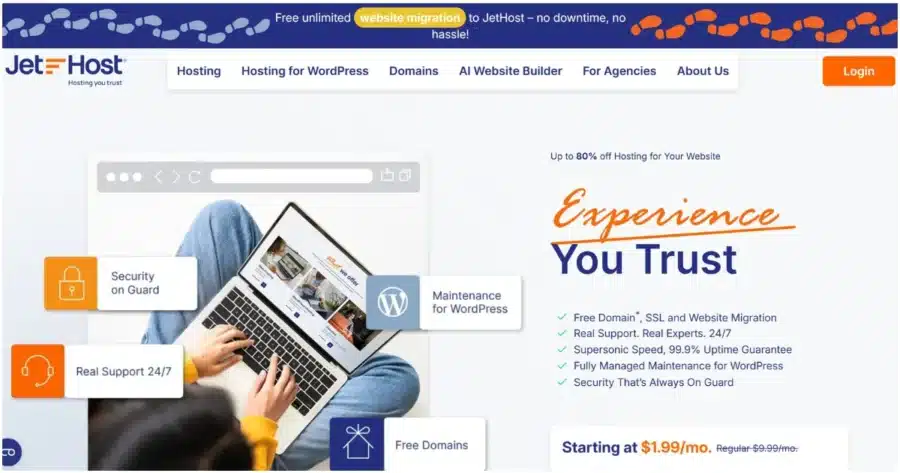
JetHost is a hosting provider that competes on support quality and managed WP tools rather than on price alone. It is built for bloggers who want their hosting to work without ongoing technical involvement.
JetHost’s WP hosting is ideal for your blog if:
- You’re tired of feeling like a ticket number and want a host that treats support as part of the product, not a last resort.
- You want staging, cloning, and WP-CLI access included without paying for a developer-tier plan.
- You’d rather pay a fair renewal price for reliable managed features than a low intro rate that forces a compromise at renewal.
Key Features of JetHost for Blogs
- LiteSpeed Enterprise with Redis caching on every plan, which directly reduces time-to-first-byte for post-heavy blogs.
- Patchstack vulnerability protection, which keeps WP plugins patched automatically.
- Free Cloudflare CDN, serving blog content from the server location closest to each reader.
- Free, unlimited migration for bloggers moving from another host, including databases and email.
- Automatic daily backups with one-click restore, so a botched plugin update doesn’t wipe a year of posts.
- 24/7 expert support via live chat and tickets, answered by hosting specialists, not a chatbot.
- JetHost AI Connector gives bloggers an easier way to understand their hosting setup. Ask an AI agent (Claude, ChatGPT, Cursor, Loveble) your question and get the information you need in real time.
Benefits and Setbacks of JetHost
Here is where JetHost stands out and where it still has room to grow:
| Benefits | Setbacks |
|---|---|
| Caching at every tier means traffic growth doesn’t immediately require a plan upgrade | Smaller brand recognition compared to big providers like Bluehost or GoDaddy |
| Free migration removes the risks of downtime and database corruption | AI Website Builder is a separate plan line, not bundled with standard plans |
| Automatic plugin patching protects blogs that haven’t kept up with manual updates |
Pricing
| Plan | Intro Price | Renews At | Storage | Sites |
|---|---|---|---|---|
| WP Mini | $1.99/month | $8.99/month | 10GB NVMe | 1 |
| WP Start | $2.99/month | $10.99/month | 25GB NVMe | 25 |
| WP Maverick | $5.99/month | $21.99/month | 75GB NVMe | 100 |
| WP Business | $10.99/month | $36.99/month | 200GB NVMe | 150 |
Curious what JetHost looks like in practice? See the plans, storage tiers, and tools built into hosting for WordPress.
2. Hostinger

Hostinger competes on entry pricing, and for a first blog with no traffic history, that’s a reasonable starting point. The best blog hosting value, however, depends heavily on renewal rates, and Hostinger’s are among the steepest in this comparison.
Hostinger is ideal for your blog if:
- You’re launching a first blog and want the lowest first-year cost.
- You’re comfortable committing to a longer billing term to unlock the best rate.
Key Features of Hostinger for Blogs
- Hostinger Website Builder on all tiers, which suggests a blog structure from a text prompt.
- Free SSL included with WordPress plans.
- NVMe storage across more expensive WordPress tiers for faster database reads on post-heavy blogs.
- Free migration and weekly automated backups on the Business plan and above.
Benefits and Setbacks of Hostinger
The table below covers what Hostinger delivers well for new bloggers and where the limitations become clear:
| Benefits | Setbacks |
|---|---|
| The migration is free, with a library of helpful resources and tutorials | Renewal rates more than double the intro price from year two onward |
| AI builder gets a first blog live fast; no blank-screen moment | Daily backups only on Business plan and above; Premium backs up weekly |
| A free domain is included for the first year, a benefit that not all hosting providers offer | Lowest promo rate requires a 48-month commitment upfront |
Pricing
| Plan | Intro Price | Renews At | Storage |
|---|---|---|---|
| Premium | $3.99/month | $10.99/month | 20GB SSD |
| Business + AI | $4.99/month | $16.99/month | 50GB NVMe |
| Cloud Startup + AI | $9.99/month | $25.99/month | 100GB NVMe |
If you want to see how Hostinger stacks up against other providers at this price point, our best Hostinger alternatives guide covers that.
3. Bluehost
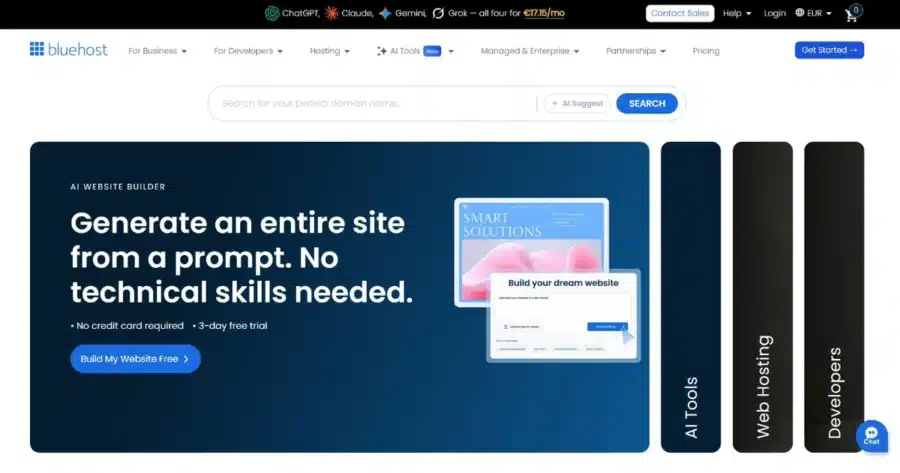
Bluehost’s main advantage is brand recognition. It carries an official WordPress.org recommendation and is one of the most searched names in web hosting for blogs.
Bluehost is ideal for you if you want:
- A solid platform for new blogs.
- A trusted, well-known solution.
- To build a WordPress website without needing advanced technical skills.
Key Features of Bluehost for WordPress Blogs
- Pre-installed WordPress with WP-specific support.
- AI site builder for generating a starter blog structure from a prompt.
- Free domain for a year and SSL on annual plans.
- Yoast SEO and other popular blog plugins pre-installed.
- Staging environment on all plans.
Benefits and Setbacks of Bluehost
The table below covers where Bluehost earns its reputation and where the trade-offs show up against competitors:
| Benefits | Setbacks |
|---|---|
| WordPress.org recommendation gives new bloggers a vetted starting point | Phone support is not included on the Starter plan |
| Starter hosts up to 10 sites without an immediate upgrade | Weekly backups on all plans; if you need daily backups, they require a manual action rather than running each day automatically |
| Large community means extensive tutorials and plugin documentation | Domain privacy is only free for the first year on Business and above |
Pricing
| Plan | Intro Price | Renews At | Storage |
|---|---|---|---|
| Starter | $4.99/month | $11.99/month | 10GB NVMe |
| Business | $7.99/month | $15.99/month | 50GB NVMe |
| eCommerce | $15.99/month | $23.99/month | 100GB NVMe |
Our best Bluehost alternatives guide is worth a read for bloggers who want to compare options before committing.
4. HostGator

HostGator is one of the largest shared hosting platforms globally. For bloggers comparing the best web hosting for blog setups that allow multiple sites under one account, HostGator is the clearest draw.
HostGator is ideal for your blog if:
- You run or plan to run multiple blogs and don’t want to pay per-site fees.
- You’re starting fresh rather than migrating, since site migration carries an additional charge.
- You want a refund window longer than 30 days to evaluate the platform before fully committing.
Key Features of HostGator for Blogs
- WP pre-installed on every plan with one-click installs and automatic updates.
- Cloudflare CDN on all WordPress plans for faster page load speeds worldwide.
- AI-powered malware detection and removal included, alongside SiteLock and daily security scans.
- cPanel access with unmetered bandwidth across all plans.
- Free SSL on annual plans.
Benefits and Setbacks of HostGator
The table below covers what HostGator includes that competitors often charge extra for, and where it falls short against others on this list:
| Benefits | Setbacks |
| cPanel is familiar to most bloggers who have used hosting before | Migration is a paid service on all plans ($149.99 per website) |
| Phone and chat support available 24/7/365 | Weekly backups are only available on Business and Pro plans |
| Free domain for the first year and SSL included with a straightforward onboarding process | No website builder, which puts it behind some of the providers on this list |
Pricing
| Plan | Intro Price | Renews At | Sites |
|---|---|---|---|
| Baby | $4.50/month | $16.49/month | 20 |
| Business | $6.25/month | $21.99/month | 50 |
| Pro | $13.95/month | $26.69/month | 100 |
Check out alternatives to HostGator if you’re looking for something different.
5. IONOS

IONOS’s offer revolves around low entry pricing and personalized support with a personal consultant. They assign an actual human advisor to each account.
The $1/month promo rate for the first year is the lowest entry point on this list for hosting a blog on WordPress. It applies to their bestselling Grow tier, rather than the base plan.
IONOS is ideal for your blog if:
- You want personalized customer support.
- You’re testing a blog idea at one of the lowest first-year costs available.
- You prefer monthly billing with no long-term commitment.
Key Features of IONOS for Blogs
- PHP opcode caching on all plans, with an additional caching plugin built into the WP dashboard on Grow and above.
- AI website builder included for quick blog setup.
- Daily backups and free SSL across every plan.
- Free domain for the first year on annual plans.
- SSD storage with one-click WP installation.
Benefits and Setbacks of IONOS
The table below covers what IONOS offers that most hosts at this price point don’t, and where its technical limitations show up compared to alternatives:
| Benefits | Setbacks |
|---|---|
| A personal consultant from day one is a great advantage for bloggers new to hosting | Performance under high traffic is weaker than LiteSpeed-based hosts like JetHost or ScalaHosting |
| The $1/month first-year pricing offers bloggers a low entry barrier to assess the platform before renewal | The $1 promo applies only to the mid-tier Grow plan, which renews at $12/month. A blogger who only needs the Start plan pays more at renewal than if they had signed up directly for the lower tier. |
| SSD storage is slower than the NVMe drives at other providers |
Pricing
| Plan | Intro Price | Renews At | Storage |
|---|---|---|---|
| Start | $5/month | $8/month | 25GB SSD |
| Grow | $1/month (promo) | $12/month | 50GB SSD |
| Boost | $12/month | $17/month | 75GB SSD |
6. GoDaddy
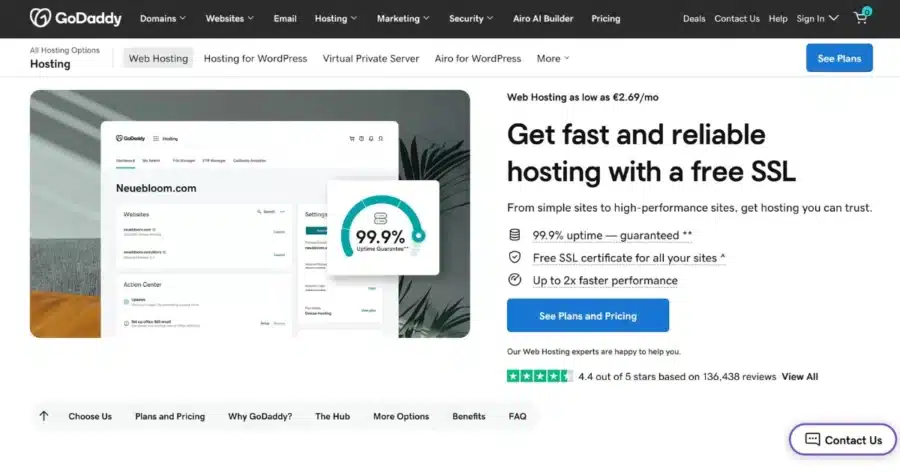
GoDaddy is the largest domain registrar in the world. Its managed WP hosting offering includes daily backups, staging on Deluxe and above, and an AI assistant (Airo) that drafts a starter blog from a prompt. It ranks well in any best blog hosting service comparison for its unified domain and hosting management, though CDN and staging require the second-tier (Deluxe) plan.
GoDaddy is an ideal choice for your blog if:
- Your domain is already registered with GoDaddy, and you want to avoid DNS migration by keeping hosting in the same account.
- You want an AI assistant that continues offering SEO recommendations and content suggestions after launch, not only during initial setup.
- You’re starting out and want one of the most recognized names in web infrastructure behind your blog.
Key Features of GoDaddy’s Hosting for Blogs
- Airo AI builder generates a starter blog, including pages and copy, from a short description.
- Daily automatic backups with 30-day retention on all plans.
- Staging environment on Deluxe plan and above.
- Free SSL and 99.9% uptime guarantee across all tiers.
- Pre-installed WP with automatic software updates.
Benefits and Drawbacks of GoDaddy
The table below highlights GoDaddy’s strengths for bloggers within its ecosystem, as well as user complaints and hidden costs:
| Benefits | Setbacks |
|---|---|
| Airo continues offering SEO suggestions after launch, compounding value over time | CDN and staging aren’t included on Basic; both require upgrading to Deluxe |
| One GoDaddy account for domain and hosting eliminates DNS confusion for new bloggers | Renewal pricing roughly doubles; domain renewal adds further cost after year one |
| 24/7 support from a large team means help is available regardless of your time zone | Professional email hosting and advanced security features require paid add-ons, increasing the total cost for some users |
| Users online often complain about aggressive upselling and misleading add-ons |
Pricing
| Plan | Intro Price | Renews At | Storage |
|---|---|---|---|
| Basic | $6.99/month | $14.99/month | 10GB NVMe |
| Deluxe | $10.99/month | $19.99/month | 20GB NVMe |
| Ultimate | $14.99/month | $26.99/month | 30GB NVMe |
Mainstream hosting providers no longer seem reliable? Check out our comparison of the best GoDaddy alternatives.
7. ScalaHosting

ScalaHosting uses its own hosting control panel, SPanel, instead of cPanel. It targets users who want more technical control and better long-term pricing than mainstream shared hosts deliver.
ScalaHosting is ideal for your blog if:
- You want staging/cloning, Cloudflare CDN, and automated backups included at the entry price without paying for add-ons.
- You’re comfortable working with custom control panels.
- You plan to stay with a host for 2–3 years and want renewal rates that don’t spike dramatically, making it a strong best host for a WordPress blog for long-term value.
Key Features of ScalaHosting for Blogs
- SPanel control panel with a built-in WP Manager, or cPanel available as an alternative at different pricing.
- SShield AI security on SPanel plans, blocking over 99.99% of attacks at the server level.
- Ultra-fast NVMe SSD storage with 4.1GHz processors and a 10Gbps redundant network.
- Free WP migration, staging, cloning, and automated offsite backups on every plan.
- Cloudflare CDN integration included, with image optimization and minification on Entry Cloud plan.
- AI WordPress site builder included across all plans.
Benefits and Setbacks of ScalaHosting
The table below covers where ScalaHosting outperforms most shared hosts on value and security, and where its lower brand visibility creates real gaps:
| Benefits | Setbacks |
| Staging, cloning, backups, CDN, and an AI builder are all included at the entry price | SPanel is not cPanel; most third-party tutorials assume cPanel, so external guides will sometimes need translating |
| Free migration removes both the cost and the technical risk of switching hosts | SShield is only available on SPanel plans; switching to cPanel removes it |
| You get an unlimited number of sites from the mid-tier plan. | Low brand visibility means less community documentation and fewer peer recommendations |
| LiteSpeed and object caching are on Entry Cloud plans only, not shared hosting tiers |
Pricing
| Plan | Intro Price | Renews At | Storage | Sites |
|---|---|---|---|---|
| Mini | $2.95/month | $11.95/month | 10GB NVMe SSD | 1 |
| Start | $5.95/month | $14.95/month | 50GB NVMe SSD | Unlimited |
| Advanced | $9.95/month | $19.95/month | 100GB NVMe SSD | Unlimited |
| Entry Cloud | $14.95/month | $39.95/month | Flexible | Unlimited |
8. WordPress.com

WordPress.com is the hosted platform from Automattic, the company behind the open-source WordPress. For writers asking what the best site is to host a blog with zero technical setup, it is the most direct answer.
WordPress.com is ideal for your blog if:
- You want zero server management and a fully hosted publishing platform.
- Your blog focuses on writing and doesn’t require custom plugins or extensive server-level customization.
Key Features of WordPress.com for Blogs
- Fully hosted infrastructure with no server management or WordPress installation required.
- Built-in features for stats, SEO, social sharing, and newsletters, with availability varying by plan level.
- Storage limits that vary by plan, with higher tiers offering significantly more space for media-heavy sites.
- Free plan available with a WordPress.com subdomain and basic functionality.
- Unmetered traffic, meaning there are no fixed bandwidth caps, though usage is subject to fair use and platform resource limits.
Pricing
| Plan | Price | Renews at | Storage |
|---|---|---|---|
| Free | $0 | No expiration date | 1GB |
| Personal | $4/month | $8/month | 6GB |
| Premium | $8/month | $14/month | 13GB |
| Business | $25/month | $35/month | 50GB |
Important: Switching away from WordPress.com to a self-hosted setup later is possible but requires manual migration work. If you anticipate needing plugins, custom themes, or full data control, starting with a self-hosted provider from the beginning is a better long-term choice.
What to Consider When Choosing WP Hosting for Blogging
Check these six things when choosing the best hosting for WordPress for bloggers:
- Storage is how much space your blog takes up on the server. Text posts are tiny, but images and media add up fast. A plan with 10GB–25GB covers most blogs that publish text content in the first year or two. If you plan to upload many photos or audio, start with more.
- Renewal price is what you pay after the first term ends. Most hosts advertise a low intro rate, but the real cost kicks in at renewal. A seemingly affordable host can become costly after the promotional period, especially if competitors offer similar features at a lower long-term rate.
- Caching determines how fast your blog loads for visitors. A host with built-in caching stores a ready-to-serve version of your pages so they don’t have to be rebuilt from scratch every time someone visits. Without it, a busy day on your blog can noticeably slow things down.
- CDN stands for Content Delivery Network. It stores copies of your blog on servers around the world so visitors everywhere get fast load times, not only those near the host’s main server. It matters more as your audience grows.
- Migration support is when the host moves your existing blog for you when you sign up. Some providers include it for free, others charge per site, and some leave it to you entirely. If you already have a blog somewhere, this is one of the first things to check.
- Security covers how the host protects your blog from attacks, malware, and unauthorized access. At minimum, look for free SSL (which encrypts data between your site and visitors), automatic malware scanning, and regular backups. Some hosts include these by default; others charge extra or leave it to you to configure through plugins.
Conclusion
The best hosting for WordPress for bloggers isn’t the one with the lowest intro price. It’s the one that gives you the right features for the price you’ll pay after the promotional period ends.
For every use case, the right choice depends on the specs and trade-offs that matter most to your blog.
JetHost scores highest here because it combines LiteSpeed performance, free migration, Patchstack security, native Model Context Protocol (MCP) support, and genuine human support at a reasonable renewal rate.
Curious to try it out? Switch to JetHost and migrate your existing blog for free.
JetHost offers unbeatable rates on domain registration, transfers, and renewals.
FAQ
What’s the minimum storage a blog needs?
A text-based blog with optimized images runs comfortably on 1GB–5GB. The storage question becomes more relevant if you host heavy video files, embed high-resolution images from your own server, or run multiple blogs on one account. Most plans in this comparison offer enough storage for a typical blog.
Does hosting affect how a blog ranks in Google?
Yes, indirectly. Page speed is a confirmed ranking factor, and hosting affects page speed. A host with server-side caching, a CDN, and fast SSD storage will load pages faster than one without, which can support better rankings for competitive keywords.
What is the best host for a WordPress blog if I plan to monetize it?
A self-hosted WordPress setup gives you the most flexibility for monetization. WordPress.com restricts advertising on its lower plans. If revenue is part of the plan, self-hosted WordPress with JetHost gives you the cleanest path. Read our guide to WP hosting for affiliate marketers if you intend to monetize your site.
Can I start on a lower-tier plan and upgrade later?
Yes, you can. JetHost, Hostinger, Bluehost, HostGator, GoDaddy, and ScalaHosting all let you upgrade within their plan tiers. The upgrade path is the main reason to stay within one provider’s ecosystem rather than chasing intro deals by switching hosts every year.


Top articles
Our Picks
- 6 minutes read
7 Signs It’s Time to Switch Your Web Hosting Provider
Most people don’t think about their hosting until something breaks. But if your website has been acting up – slower pages, random errors, or unreliable support – it might be…
- 4 minutes read
eDesign Interactive on Pressure, People & Creativity
Client: George, CEO of eDesign Interactive Industry: Web Design, Digital Strategy & Interactive Marketing Website: edesigninteractive.com Relationship: Long-time collaboration with the team behind JetHost
- 2 minutes read
Case Study: How SEO Rush Got 5x Faster with JetHost
Client: SEORUSH Industry: SEO & Digital Marketing Website: seorush.org Service: JetHost WordPress Hosting When you run an SEO agency, your website needs to perform as well as the results you…
Related Posts
 3 minutes read
10 best File Transfer Protocol (FTP) clients
Everyone who runs a website ends up needing one: a good FTP client. It is the app that moves files between your computer and your server – and the difference…

- 13 minutes read
Top 8 Hosting Providers for WordPress for Educational Institutions: From Schools to Universities
The best hosting for WordPress for education websites includes JetHost, Hosting.com, SiteGround, Bluehost, and DreamHost, followed by Hostinger, HostGator, and WPX. Educational websites range from simple school information pages to…
- 12 minutes read
6 Best Hosting Providers for Freelancers Using WordPress in 2026
The best hosting for WordPress for freelancers is JetHost, Hostinger, Bluehost, HostGator, Hosting.com, and SiteGround, each suited to a different type of freelance work. A freelancer’s website is more than…