The best hosting providers for WordPress for small business in 2026 are JetHost, SiteGround, Bluehost, Hostinger, GoDaddy, WPX Hosting, and Namecheap.
WordPress handles more small business (SMB) sites than any other platform, and most owners have no IT team on standby. That shapes what is important for them:
- support that solves problems instead of pointing to a help article
- pricing that holds steady once the first term ends
- resources that keep up when traffic, email accounts, and product catalogs grow
We compared seven providers to find the best web hosting for WordPress for a small business. We evaluated performance, pricing transparency, WordPress-specific features, ease of use, and support quality.
Let’s take a closer look at how they performed.
What Is the Best Hosting for WordPress for Small Business?
Below are the 7 top hosting providers for WordPress for small businesses. They’re suitable for users who run a small online shop or scale a growing SMB:
- JetHost: Best choice of hosting for WordPress (WP), with managed tools, free migration, Patchstack, AI builder, and 24/7 support.
- SiteGround: Best for Google Cloud infrastructure and staging from mid-tier plans.
- Bluehost: Best for guided setup and an easy first site.
- Hostinger: Best for budget multi-site hosting with strong performance.
- GoDaddy: Best for an all-in-one domains, hosting, and email account.
- WPX Hosting: Best for premium managed hosting with the fastest support.
- Namecheap: Best for long-term budget value on managed WordPress.
Full breakdowns follow below.
1. JetHost
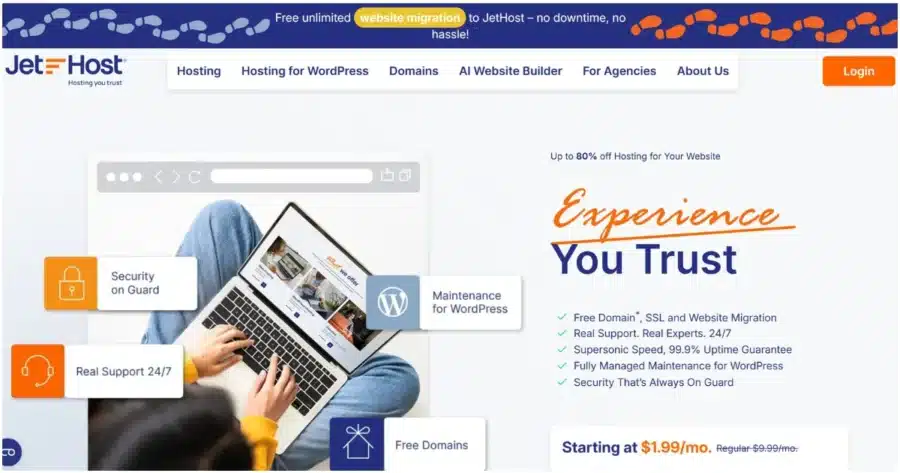
JetHost takes the technical side off your plate. Migration, security, updates, and WordPress management are handled for you, free and without hassle. Support comes from real people, not tickets, so problems actually get fixed.
JetHost is the recommended hosting for WordPress for small businesses that want everything handled without hiring a developer.
Key Features
- WordPress Manager: one dashboard for updates, backups, staging, SSL, and security
- Patchstack protection that catches WordPress vulnerabilities before they become a problem
- Free, unlimited website and email migration, no downtime, no hassle
- AI Website Builder that turns a short business description into a live site
- LiteSpeed Enterprise, NVMe storage, Redis caching, and Cloudflare CDN built into every plan
- JetHost AI Connector links your account to an AI assistant of your choice (ChatGPT, Claude, Cursor, Loveble), allowing you to ask questions about your hosting in plain English and receive information in real-time
Pricing
Here’s JetHost’s plans breakdown:
| Plan | Intro Price | Renews From | Key Specs |
|---|---|---|---|
| Mini | $1.99/month | $8.99/month | 1 website, 15,000 visits/month, 10GB NVMe |
| Start | $2.99/month | $10.99/month | 25 websites, 30,000 visits/month, 25GB NVMe, free domain |
| Maverick | $5.99/month | $21.99/month | 100 websites, 90,000 visits/month, 75GB NVMe |
| Business | $10.99/month | $36.99/month | 150 websites, 200,000 visits/month, 200GB NVMe |
Patchstack protection comes included for one domain on Business, and it’s an easy add for $3.99/domain/month on Mini, Start, and Maverick.
Performance and Usability
Every JetHost plan runs on LiteSpeed Enterprise, NVMe storage, and Cloudflare CDN, so a fast site is the default, not an upgrade. WordPress Manager keeps updates, staging, and backups in one place instead of scattered across plugins.
Pros
- Even the entry-level Mini plan ships with NVMe storage, Redis, and CDN already built in, a stronger starting point than most competitors offer at this price.
- Real people answer, day or night. No chatbots, no canned articles, just specialists who actually solve the problem.
Cons
- Patchstack isn’t included by default below the Business tier; it’s a small add-on cost elsewhere.
Your WordPress website is in good hands with JetHost. We handle migration, setup, and security so you can focus on growing your small business.
2. SiteGround

SiteGround is a WP hosting provider running on Google Cloud infrastructure with strong managed WordPress tooling. It’s solid managed hosting for WordPress for small businesses that prioritize reliability over the lowest entry price.
Key Features
- Google Cloud infrastructure with a free AI agent for WordPress site management
- Site Tools dashboard for WordPress, caching, email, and security
- Free daily backups on every plan, plus on-demand backups on GrowBig and GoGeek
- Staging available from GrowBig onward
Pricing
Here’s how SiteGround’s plans break down in price:
| Plan | Intro Price | Renews From | Key Specs |
|---|---|---|---|
| StartUp | $2.99/month | $17.99/month | 1 website, 10GB storage |
| GrowBig | $4.99/month | $29.99/month | Unlimited websites, 50GB storage, staging |
| GoGeek | $7.99/month | $44.99/month | Unlimited websites, 100GB storage |
Performance and Usability
Google Cloud infrastructure and caching deliver solid speed, and a free AI agent handles updates through chat instead of Site Tools. The dashboard replaces cPanel, which requires adjustment for users who are used to a traditional hosting control panel.
Pros
- Free daily backups and an AI agent for WordPress management come standard, even on the cheapest plan.
- Google Cloud infrastructure consistently backs strong independent performance reviews.
Cons
- StartUp’s single-website limit forces multi-site businesses to GrowBig.
- Renewal pricing jumps sharply across all tiers.
- A custom control panel, the maintenance of which often affects the final price.
Curious how the two top SMB hosting providers compare? See our JetHost vs. SiteGround breakdown.
3. Bluehost
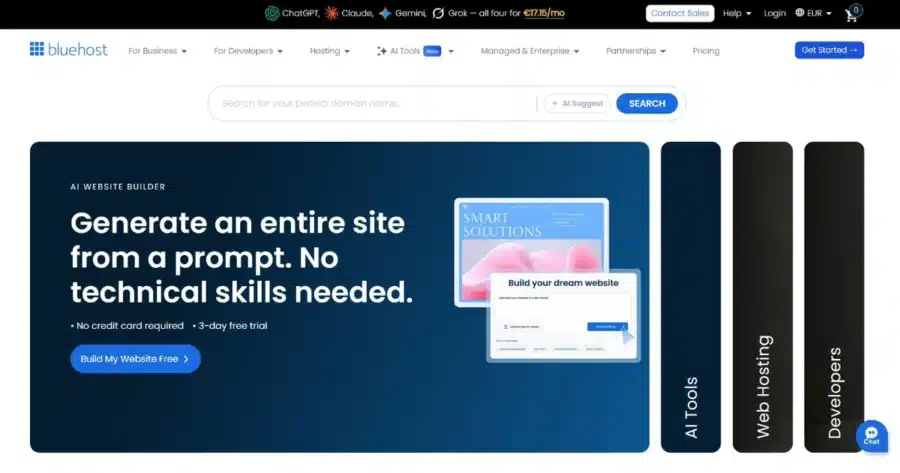
Bluehost leans into AI-assisted site creation and guided onboarding. This hosting provider is a strong fit for owners launching their first WordPress site who want a simple path to live.
Key Features
- Guided WordPress setup wizard with AI site creation tools
- Free domain and SSL for the first year
- One-click staging on every tier, not just the higher ones
- NVMe SSD storage with free CDN and object caching
Pricing
Here’s how the BlueHost plans break down in price for a one-year subscription:
| Plan | Intro Price | Renews From | Key Specs |
|---|---|---|---|
| Starter | $4.99/month | $11.99/month | 10 website, 10GB NVMe SSD |
| Business | $7.99/month | $15.99/month | 50 websites, 50GB NVMe SSD |
| eCommerce Essentials | $15.99/month | $23.99/month | 100 websites, 100GB NVMe SSD |
Performance and Usability
Bluehost’s NVMe storage, free CDN, and object caching give a solid baseline. Staging is included from Starter up; phone support and AI malware removal start on Business.
Pros
- Starter includes 10 websites and WordPress staging, a strong entry tier.
- 24/7 WordPress experts respond in under 2 minutes, per Bluehost’s own data.
Cons
- Starter has no phone support, and the malware removal isn’t included in the tier.
- Renewal pricing roughly doubles on Starter and Business, but rises less sharply on eCommerce Essentials.
If Bluehost is the host you’re currently trying to move away from, our best Bluehost alternatives guide covers a wider field of options.
4. Hostinger

Hostinger is the strongest pick here for budget-conscious businesses hosting multiple sites. LiteSpeed servers deliver strong performance, and Kodee, its AI agent, now handles routine WordPress tasks through chat.
Key Features
- hPanel control panel built for simplicity
- LiteSpeed, AMD EPYC, and NVMe SSD on all plans
- Kodee AI assistant for setup and troubleshooting
- Staging and free CDN on Business and above
Pricing
Here are the Hostinger prices for different tiers under a 12-month WordPress subscription plan:
| Plan | Intro Price | Renews From | Key Specs |
|---|---|---|---|
| Premium | $3.99/month | $10.99/month | 3 websites, 20GB SSD |
| Business + AI | $4.99/month | $16.99/month | 50 websites, 50GB NVMe SSD, daily backups |
| Cloud Startup + AI | $9.99/month | $25.99/month | 100 websites, 100GB NVMe SSD, dedicated IP address |
Performance and Usability
LiteSpeed servers consistently place Hostinger above most budget hosts in speed tests. hPanel and their AI agent, Kodee, make management approachable for non-technical owners.
Pros
- Kodee can publish posts, manage WooCommerce orders, and fix common errors through chat.
- Business and Cloud Startup plans include daily backups, staging, and a free CDN at a strong price.
Cons
- Premium’s 3-website limit is restrictive compared to other entry plans here.
- The lowest advertised prices require a long-term commitment.
Still weighing budget-friendly hosts? Our best Hostinger alternatives roundup covers more ground.
5. GoDaddy
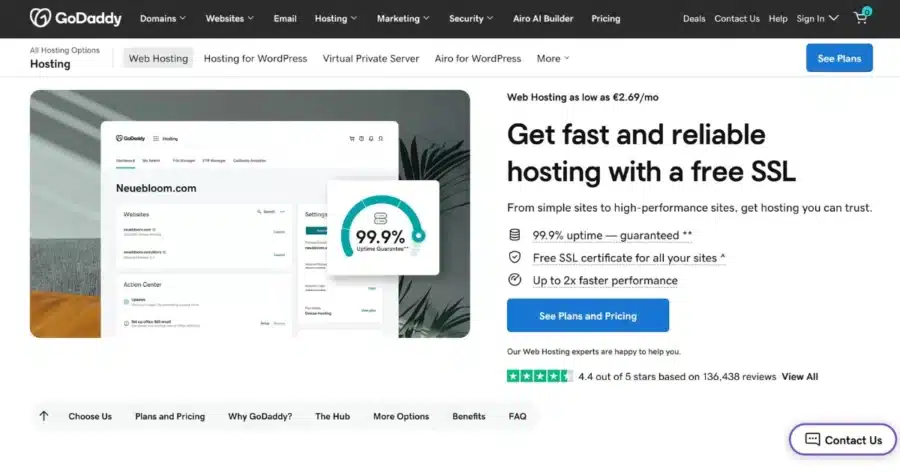
GoDaddy’s appeal is convenience. You get domains, hosting, email, and SSL under one account, with a purpose-built WordPress dashboard and a clear upgrade path as a business grows.
Key Features
- Managed hosting for WordPress with one-click installs
- A proprietary WordPress dashboard built for simplicity
- Daily backups, a firewall, and Patchstack vulnerability protection on every plan
- Staging and an SEO optimizer starting on Deluxe
Pricing
Here’s a breakdown of GoDaddy’s hosting for WordPress plan pricing:
| Plan | Intro Price | Renews From | Key Specs |
|---|---|---|---|
| Basic | $6.99/month | $14.99/month | 1 website, 10 GB NVMe storage |
| Deluxe | $10.99/month | $19.99/month | 1 website (add up to 99 sites), 20 GB NVMe storage, staging site |
| Ultimate | $14.99/month | $26.99/month | 1 website (add up to 99 sites), 30 GB NVMe storage, WordPress plugin manager |
Performance and Usability
GoDaddy replaced cPanel with a purpose-built WordPress dashboard, simpler but with less server control. Bundling domains, email, and hosting in one account is the clearest usability win, though checkout add-ons obscure the real cost.
Pros
- Daily backups, a firewall, and Patchstack vulnerability protection come standard, even on Basic.
- One account for domains, hosting, email, and SSL removes vendor coordination overhead.
Cons
- The dashboard trades cPanel-level control for simplicity, limiting options for technical owners.
- Renewal pricing roughly doubles across all three tiers.
Comparing GoDaddy against the market? Our best GoDaddy alternatives guide has more picks.
6. WPX Hosting

WPX sits at the premium end of this list. It’s built for revenue-generating sites where downtime or slow support has real financial cost.
Key Features
- Average 30-second support response time
- XDN, a 41-point custom CDN
- Daily malware scanning with free removal
- Free expert migration on all plans
- LiteSpeed servers with unlimited bandwidth
Pricing
Here’s a breakdown of WPX Hosting’s pricing based on a one-year commitment:
| Plan | Intro Price | Renews at | Key Specs |
|---|---|---|---|
| Starter | $14.99/month | $17.99/month | 1 website, 10GB storage |
| Business | $24.99/month | $29.99/month | 5 websites, 20GB storage |
| Professional | $49.99/month | $59.99/month | 15 websites, 40GB storage |
The first two months are free.
Performance and Usability
LiteSpeed and the XDN CDN deliver consistent speed under real traffic. Storage is modest relative to price, so media-heavy sites should check limits carefully.
Pros
- 30-second average support response time has real financial value during downtime.
- Consistent renewal pricing removes budget uncertainty.
Cons
- The most expensive entry-level option here.
- Storage limits run low relative to price for media-heavy sites.
7. Namecheap
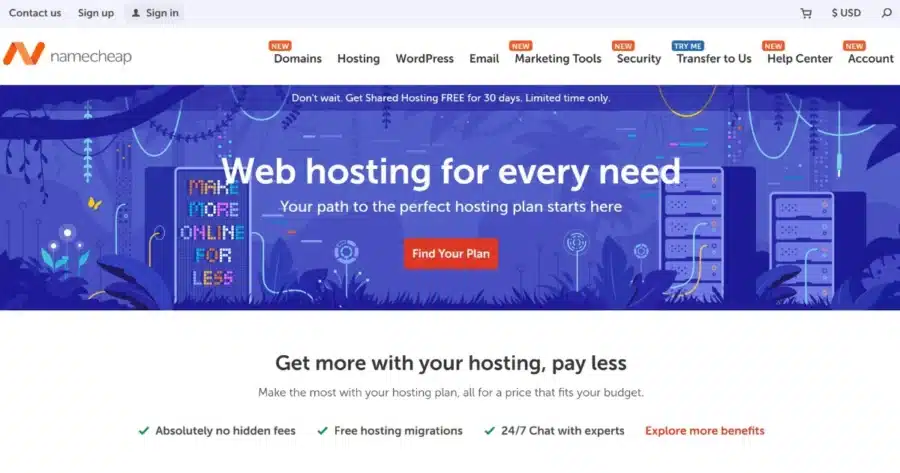
Namecheap’s EasyWP is a managed WP hosting product built for long-term affordability, with WordPress setup simplified and core maintenance tasks like updates, backups, SSL, and CDN handled automatically.
Key Features
- EasyWP dashboard for simplified WordPress management
- Automatic WordPress updates
- Free SSL and CDN
- Automated backups
- 24/7 live chat support
Pricing
Here’s a look at Namecheap pricing based on a one-year subscription:
| Plan | Annual Rate | Monthly Rate | Key Specs |
|---|---|---|---|
| EasyWP Starter | $0.00/month | $9.88/month | 1 website, 10GB NVMe |
| EasyWP Turbo | $13.88/month | $18.88/month | 1 website, 50GB NVMe |
| EasyWP Supersonic | $20.88/month | $26.88/month | 1 website, 100GB NVMe, priority support |
Performance and Usability
Namcheap’s EasyWP simplified interface reduces most of the technical friction of managing WordPress. It’s WordPress-only and limited to one site per EasyWP plan, but multiple EasyWP subscriptions can be managed under a single Namecheap account.
Pros
- Simplified dashboard removes most technical complexity for non-technical users
- Good fit for small blogs, portfolios, and small business websites
Cons
- One WordPress website per EasyWP plan
- No email hosting included; requires separate setup
- Limited advanced server-level control compared to VPS or higher-end managed WordPress platforms
Which WP Hosting Provider to Choose for Your Small Business
The right choice depends on what matters for you, since the best hosting for WordPress small businesses isn’t one-size-fits-all. Here’s a breakdown:
- JetHost covers the widest range of needs: tools, migration, security, and human support.
- Hostinger offers the most sites and features at the lowest entry price.
- Bluehost is the easiest starting point for first-time WordPress owners.
- SiteGround suits businesses that want staging without a premium managed platform.
- GoDaddy offers the broadest convenience for an all-in-one account.
- WPX Hosting justifies its price with the fastest support response time.
- Namecheap delivers the best long-term value on managed WordPress.
Table Comparison of the Best Hosting Providers for WordPress for Small Business
Here’s how all seven WP small business hosting providers stack up side by side in a table:
| Provider | Starting Price per Month | Performance | Ease of Use | Support | Best For |
|---|---|---|---|---|---|
| JetHost | $1.99 | LiteSpeed Enterprise, NVMe, Redis, CDN | cPanel + WordPress Manager | 24/7 phone, chat, tickets | Best overall, managed tools + human support |
| SiteGround | $2.99 | Google Cloud, SuperCacher, CDN | Site Tools (non-cPanel) | 24/7 chat, tickets | Performance-focused small business sites |
| Bluehost | $4.99 | NVMe SSD, free CDN | Custom WordPress dashboard | 24/7 chat, tickets | First-time WordPress owners |
| Hostinger | $3.99 | LiteSpeed, AMD EPYC, NVMe | hPanel (beginner-friendly) | 24/7 chat | Budget multi-site hosting |
| GoDaddy | $6.99 | CloudLinux, CageFS | Proprietary WordPress dashboard | 24/7 phone, chat, tickets | All-in-one domains and email |
| WPX Hosting | $14.99 | LiteSpeed, XDN CDN | Custom WPX dashboard | 24/7 chat, 30-sec response | Fastest support, premium performance |
| Namecheap | $0 for 30 days, then $9.88 | EasyWP managed stack | Simplified EasyWP dashboard | 24/7 chat | Long-term managed WordPress value |
Conclusion
Finding the best hosting for WordPress for small business in 2026 comes down to your priorities.
JetHost remains the strongest all-around pick, combining managed tools, free migration, and real human support in one place.
If raw affordability across many sites matters most, Hostinger is worth a look. WPX Hosting is the better fit for online stores that can’t afford slow support response.
Match the host to what your small business website needs, not just the introductory price.
JetHost combines managed WordPress tools, expert human support, and free migration in one place.
JetHost offers unbeatable rates on domain registration, transfers, and renewals.
Frequently Asked Questions
What should I look for when choosing a hosting provider for WordPress for a small business?
Look for reliability (uptime track record), WordPress-specific features (staging, caching, backups, security scanning), real human support, and pricing transparency: what you’ll pay at renewal, not just the intro rate. Free migration matters too as your site grows.
Can I use these hosting providers for a WooCommerce store?
Yes, all seven support WooCommerce. JetHost offers dedicated WooCommerce hosting with LiteSpeed, Redis, and isolated resources. SiteGround, Bluehost, Hostinger, and GoDaddy include WooCommerce compatibility in standard plans. WPX Hosting has dedicated WooCommerce plans for higher-traffic stores.
How much does renewal pricing matter when choosing a hosting plan?
Renewal prices can go up by 60%–80% compared to what you pay for the first term, so always calculate the cost over two to three years, not just year one.
Can I migrate my existing WordPress site to a new host without downtime?
Yes, JetHost offers free, unlimited migration covering multiple sites, databases, and email with no downtime. WPX Hosting includes free expert migration on all plans. Bluehost, SiteGround, Hostinger, and GoDaddy also offer migration tools, though limits vary by plan.


Top articles
Our Picks
- 6 minutes read
7 Signs It’s Time to Switch Your Web Hosting Provider
Most people don’t think about their hosting until something breaks. But if your website has been acting up – slower pages, random errors, or unreliable support – it might be…
- 4 minutes read
eDesign Interactive on Pressure, People & Creativity
Client: George, CEO of eDesign Interactive Industry: Web Design, Digital Strategy & Interactive Marketing Website: edesigninteractive.com Relationship: Long-time collaboration with the team behind JetHost
- 2 minutes read
Case Study: How SEO Rush Got 5x Faster with JetHost
Client: SEORUSH Industry: SEO & Digital Marketing Website: seorush.org Service: JetHost WordPress Hosting When you run an SEO agency, your website needs to perform as well as the results you…
Related Posts
 3 minutes read
10 best File Transfer Protocol (FTP) clients
Everyone who runs a website ends up needing one: a good FTP client. It is the app that moves files between your computer and your server – and the difference…

- 13 minutes read
Top 8 Hosting Providers for WordPress for Educational Institutions: From Schools to Universities
The best hosting for WordPress for education websites includes JetHost, Hosting.com, SiteGround, Bluehost, and DreamHost, followed by Hostinger, HostGator, and WPX. Educational websites range from simple school information pages to…
- 12 minutes read
6 Best Hosting Providers for Freelancers Using WordPress in 2026
The best hosting for WordPress for freelancers is JetHost, Hostinger, Bluehost, HostGator, Hosting.com, and SiteGround, each suited to a different type of freelance work. A freelancer’s website is more than…