



Access Webmail Roundcube
Webmail lets you read and send email from any browser, with nothing to install. On JetHost, webmail runs on Roundcube. This guide shows you how to access your webmail and log in. Email is included with every JetHost web hosting plan.
Open your webmail
The quickest way is straight from your browser. Go to your domain followed by /webmail:
https://yourdomain.com/webmail/

or

https://webmail.yourdomain.com/
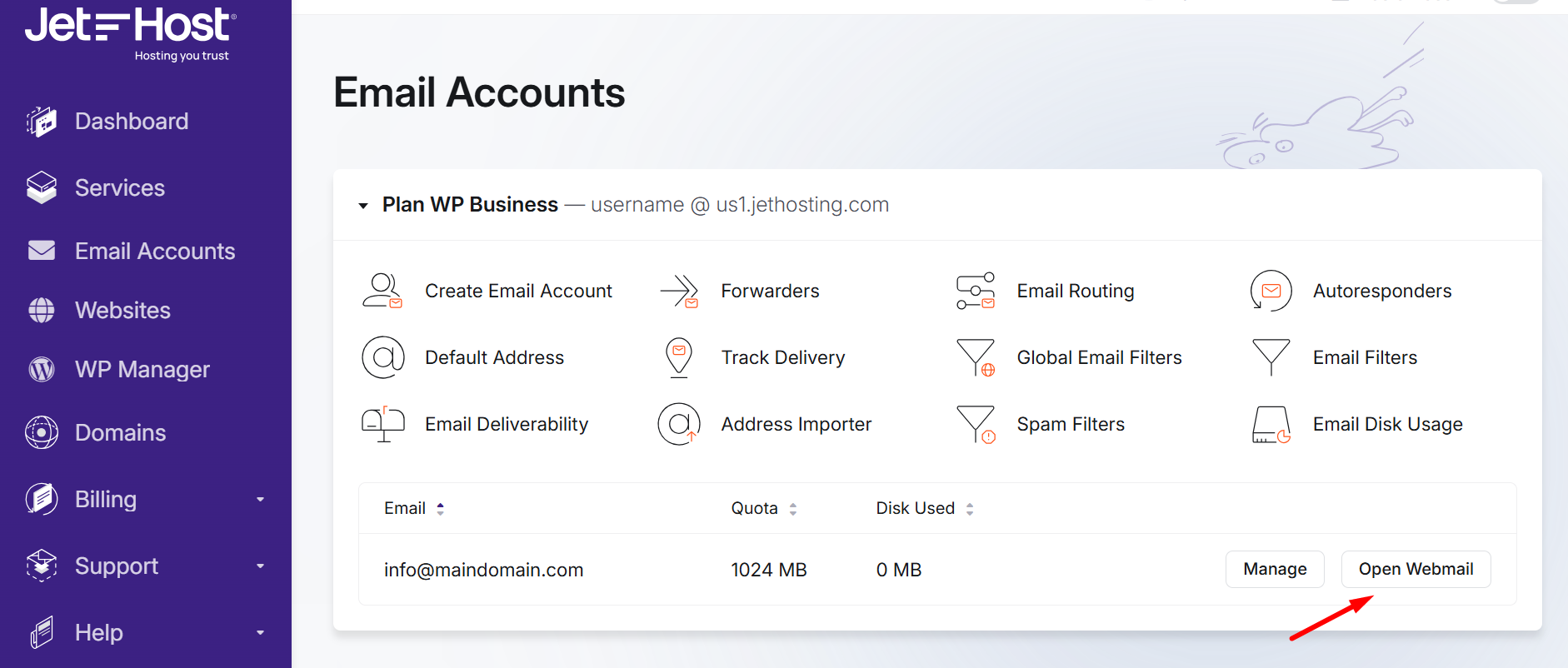
You can also open the webmail Roundcube from Email Accounts in your JetHost panel: find the address you want and click Check Email. Either route takes you to the same login.
Log in to Roundcube
- For the username, enter your full email address (for example
you@yourdomain.com). - Enter the password for that email account.
- Click Log in. Roundcube opens straight to your inbox.
If your domain does not yet point to JetHost, use your server hostname followed by :2096 instead, and log in the same way.
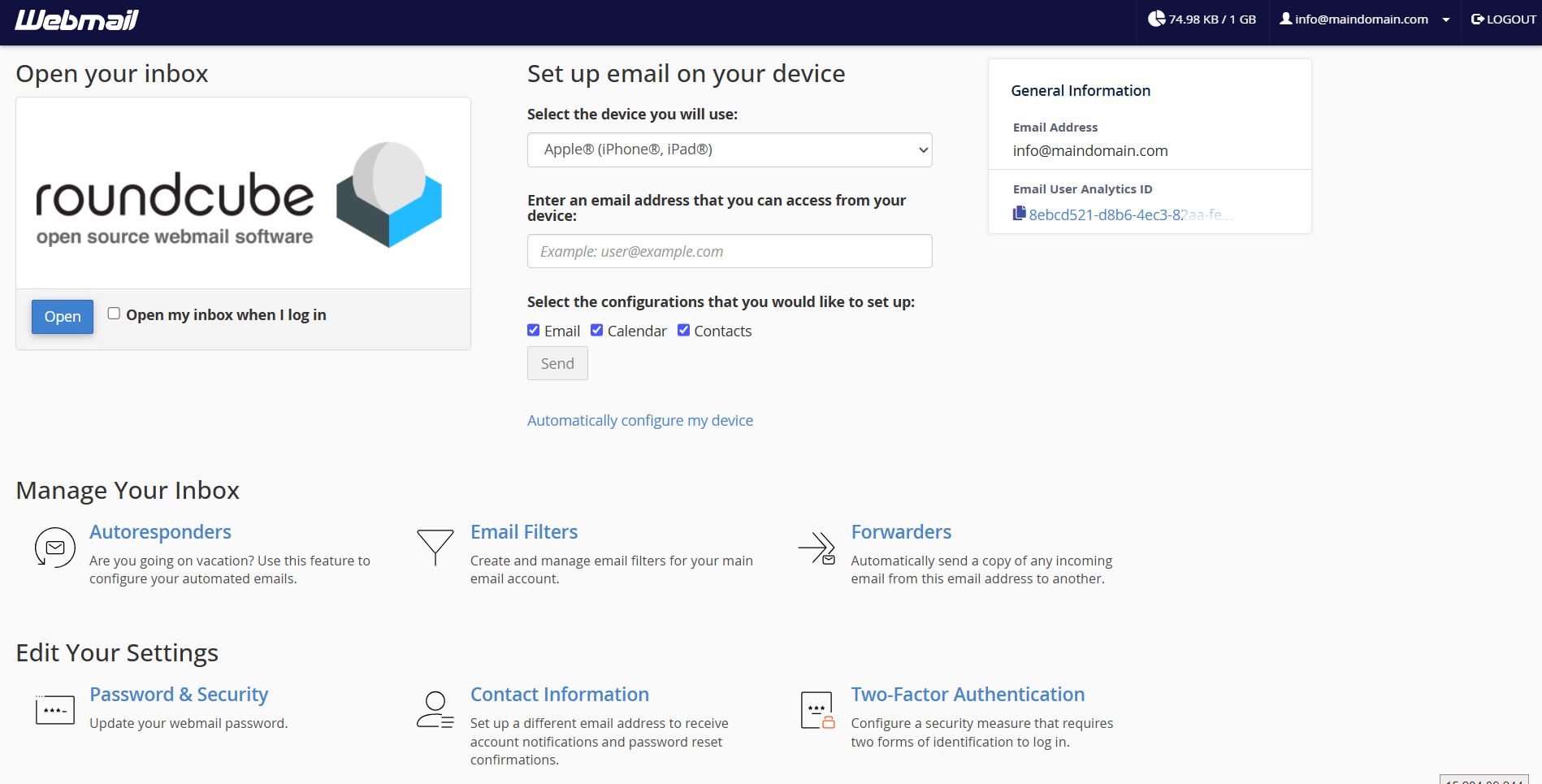
If you can’t log in
Double-check that you typed the whole email address, not just the part before the @, and confirm the password is correct. If you have forgotten it, you can reset the mailbox password under Email Accounts in your panel. Also make sure you are using the mailbox password, which is set per email address – not your main Client Area password, which is different.
Webmail is available around the clock from any device with a browser, so you can check your mail from a friend’s computer or your phone without setting anything up. It also works happily alongside a desktop or phone mail app – both read the same mailbox, so a message you file in webmail is filed everywhere.
JetHost Experts Tip
Bookmark yourdomain.com/webmail for one-click access. And if you check mail all day, consider setting it up in a desktop or phone mail app too – webmail and an app can happily use the same mailbox at once.
Related: Your webmail dashboard, Folders in Roundcube, Change time, date & language in Roundcube.
Need more help?
Can’t reach your webmail at all? Open a ticket through Client Area → Support Tickets and our team will check your email setup.













